
Timer
Timer application
The application provides a straightforward timer utility for macOS, allowing users to set and run countdowns directly from the desktop. Users drag a blue arrow to choose a duration, release to start, and can pause with a click; when the countdown finishes, a notification appears accompanied by a sound. New timers can be created via the CMD+N shortcut, and the interface supports both light and dark modes.
Keyboard shortcuts enable quick entry of minutes and seconds, with a decimal point separating the two (for example, 2.34 means 2 minutes 34 seconds). Backspace or Escape clears the current entry, Enter toggles start and pause, and R restarts the last timer. The app is built for macOS 14 (Sonoma) or later and can be installed through Homebrew Cask.
The software is a stable, core macOS‑only project that mirrors the functionality of the discontinued Minutes widget, offering a minimalist, retina‑compatible solution for users who need simple time‑tracking without additional dependencies.
Reviews
Loading reviews…
Similar apps
Time Tracking & Focus
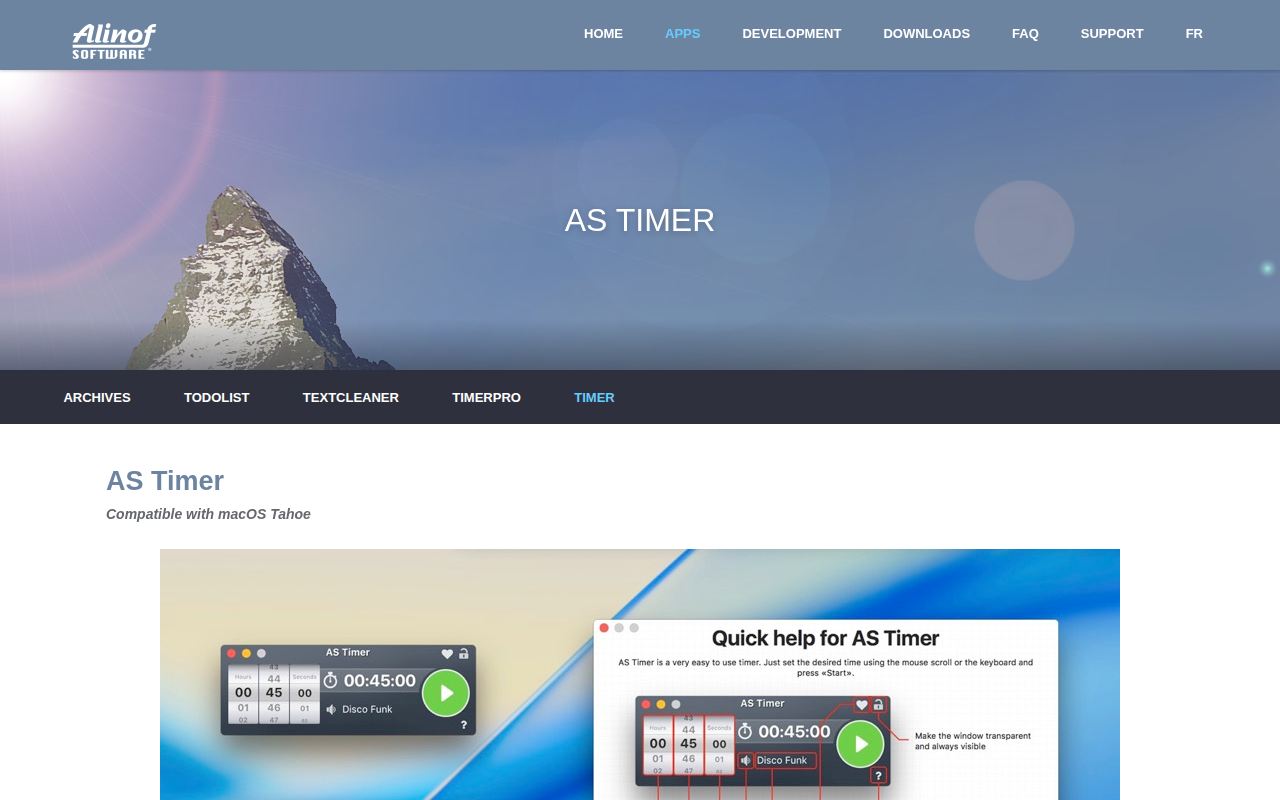
AS Timer
Timer app
Time Tracking & Focus
Mater
Menubar pomodoro app
Clipboard, Input & Automation
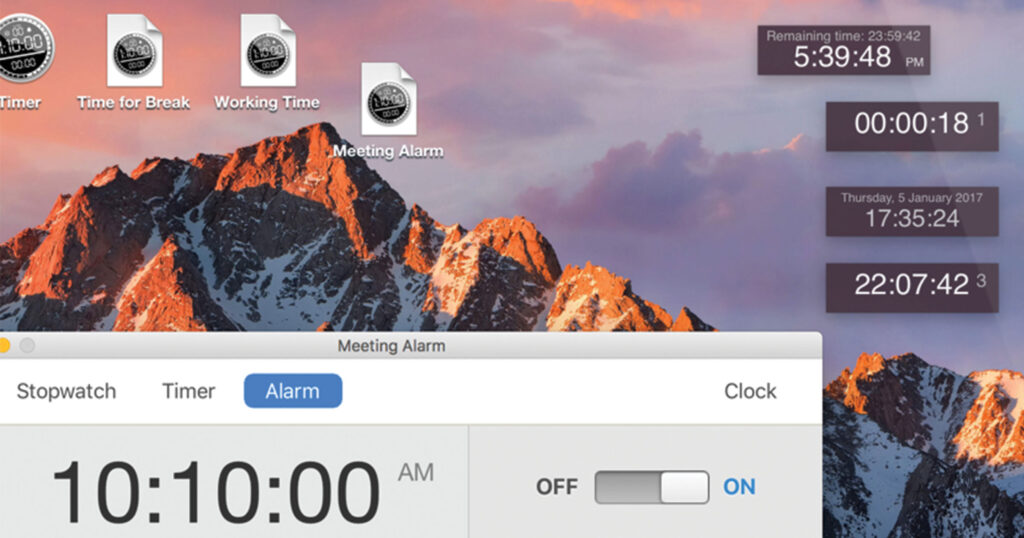
Timer
Stopwatch, alarm clock, and clock utility
Time Tracking & Focus
TomatoBar
World's neatest Pomodoro timer for macOS menu bar.
Time Tracking & Focus
TimeTracker
Time tracking app
Window & Desktop Management
Menubar Countdown
Countdown timer for the menu bar