
TimeTracker
Time tracking app
TimeTracker is a macOS‑only application for recording work time against user‑defined projects and tasks. After launching the program, users create a project, add tasks within it, and then start or stop timing with a green recording button. The interface also offers a status‑bar widget that lets users quickly toggle recording for recently used tasks, with the number of stored recent items configurable in the settings.
All timing data is saved in a plist file located in the user’s Library/Application Support/TimeTracker folder, while preferences remain in the traditional Library/Preferences location. Moving the data to another computer or creating a backup simply requires copying this data.plist file. The software supports editing entries by double‑clicking and deletion via the backspace key.
TimeTracker runs on macOS 10.5 or later and maintains compatibility with PowerPC hardware in version 1.3.11, though later releases drop that support. It does not provide import functionality for CSV or XLS files.
Reviews
Loading reviews…
Similar apps
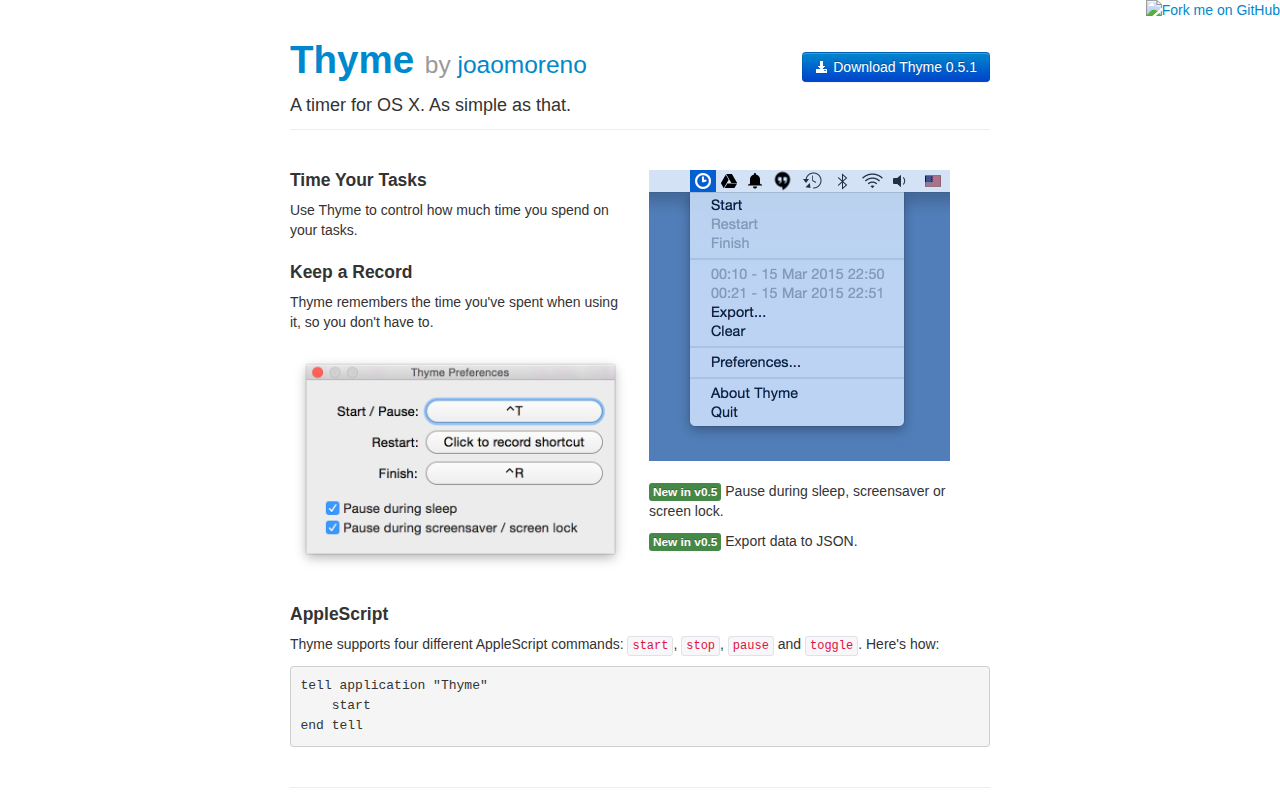
Time Tracking & Focus
Thyme
Task timer
Time Tracking & Focus
Timer
Timer application
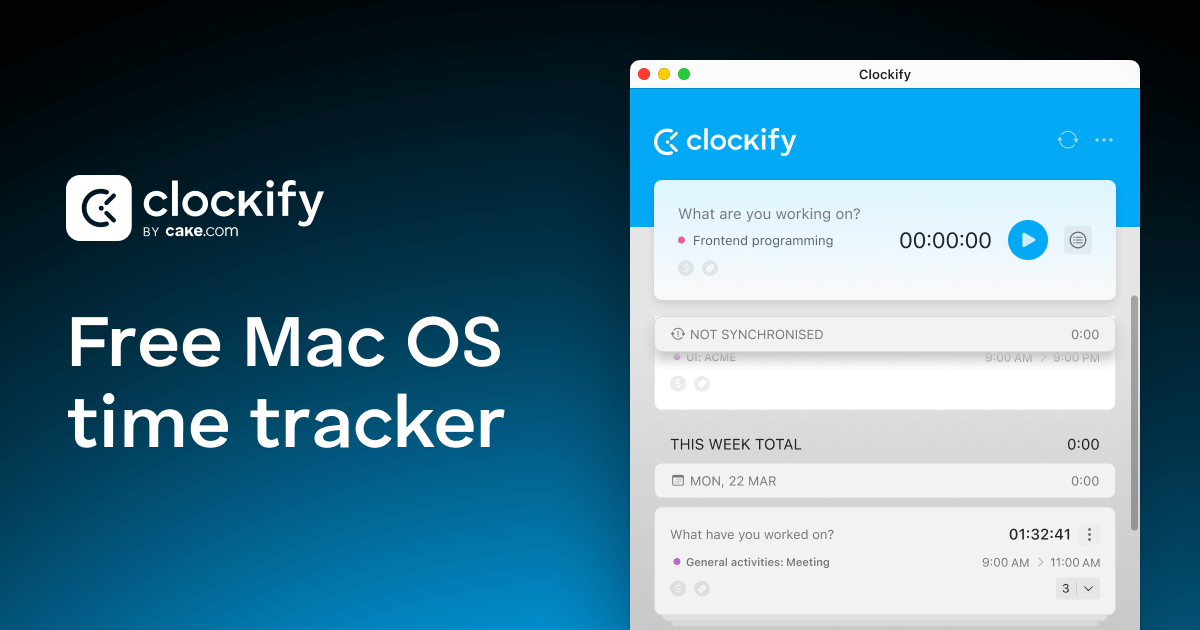
Time Tracking & Focus
Clockify
Time tracking tool for agencies and freelancers
Invoicing & Billing
TopTracker
Time tracking and invoice processing
Time Tracking & Focus
TomatoBar
World's neatest Pomodoro timer for macOS menu bar.
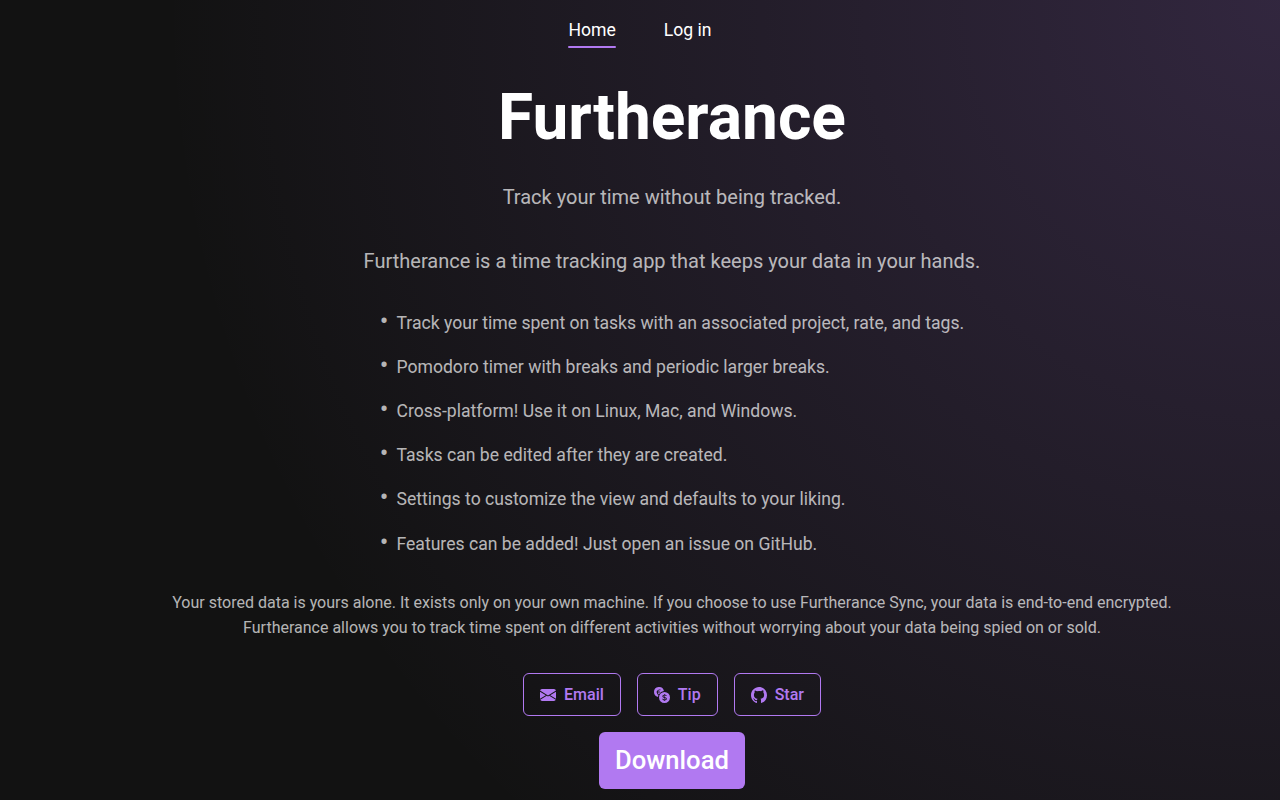
Time Tracking & Focus
Furtherance
Time tracker