
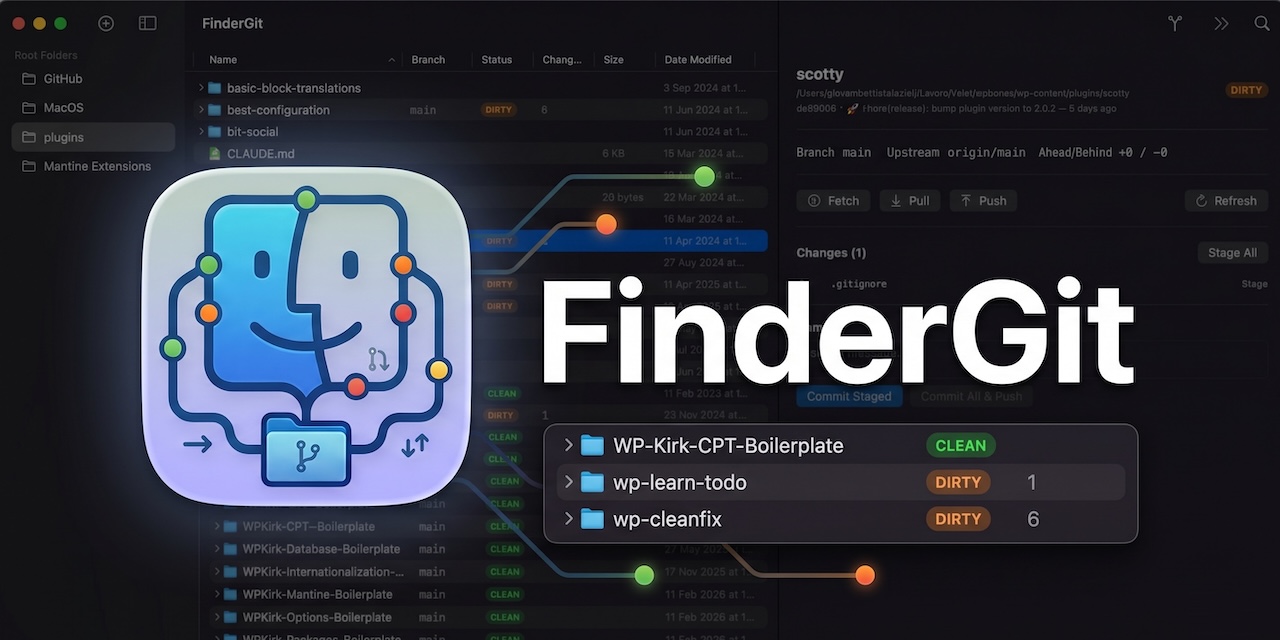
FinderGit
See every Git repo's status from one native Mac window
A native macOS file browser integrates Git information directly into the explorer view, showing each repository’s current branch, clean or dirty status, unpushed commits and changed files in real time. The interface presents files in an outline table that can be sorted by branch, status, size or date, and clicking a modified file opens an inline diff viewer with colored line‑by‑line changes. Users can perform common Git actions—stage, commit, push, pull, fetch, and switch branches—without leaving the window, and a quick preview renders Markdown files with a GitHub‑style theme.
The tool is aimed at developers who work with multiple local repositories and want a single, lightweight window to monitor all changes, rather than switching between terminals, separate GUIs or heavyweight IDEs. It supports instant search, a “Git only” filter, and keyboard shortcuts for fast navigation.
Implemented entirely in SwiftUI, the application runs as a universal binary on both Apple Silicon and Intel Macs, avoiding Electron or web‑view dependencies. It is distributed for free for macOS 15 and later, and includes a diff viewer, context menus and other macOS‑native interactions.
Reviews
Loading reviews…
Similar apps
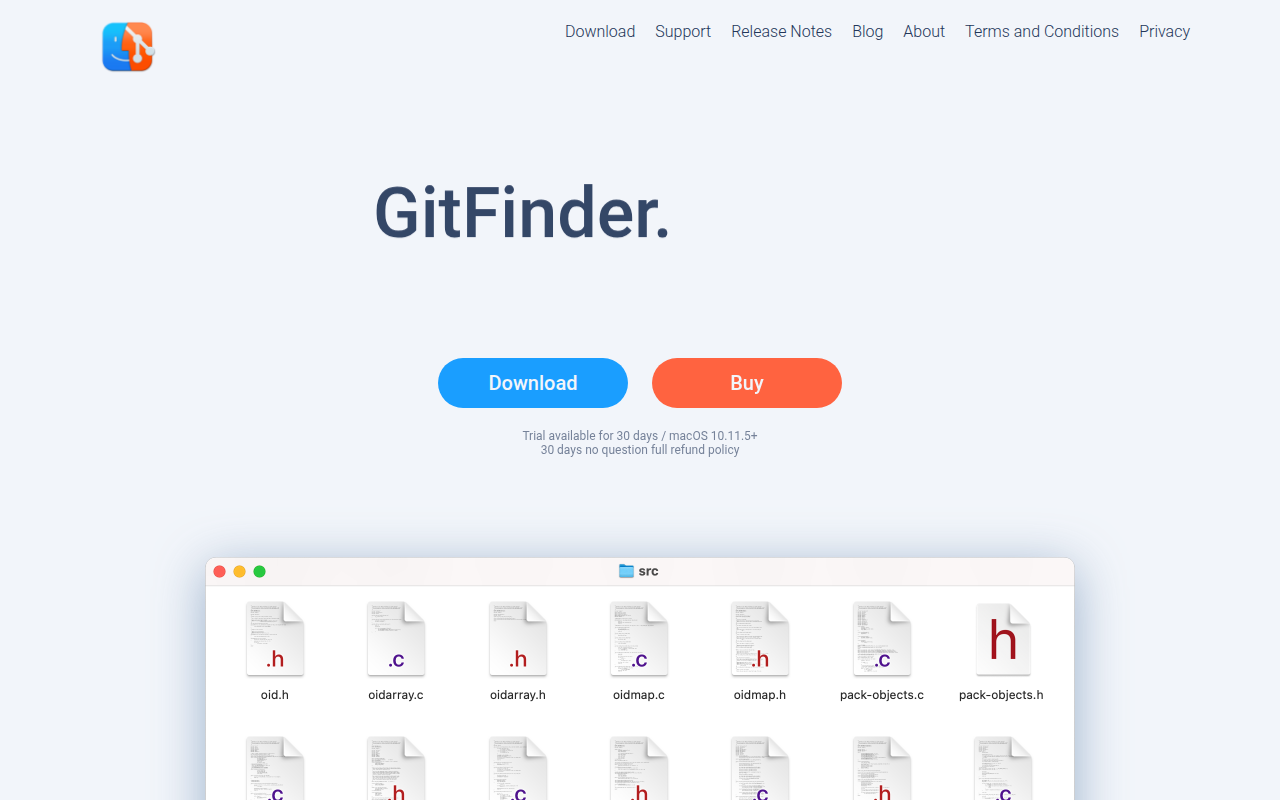
Version Control & Git
GitFinder
Fast and lightweight Git client for Mac with Finder integration.
Version Control & Git
RepoZ
Zero-conf git repository hub
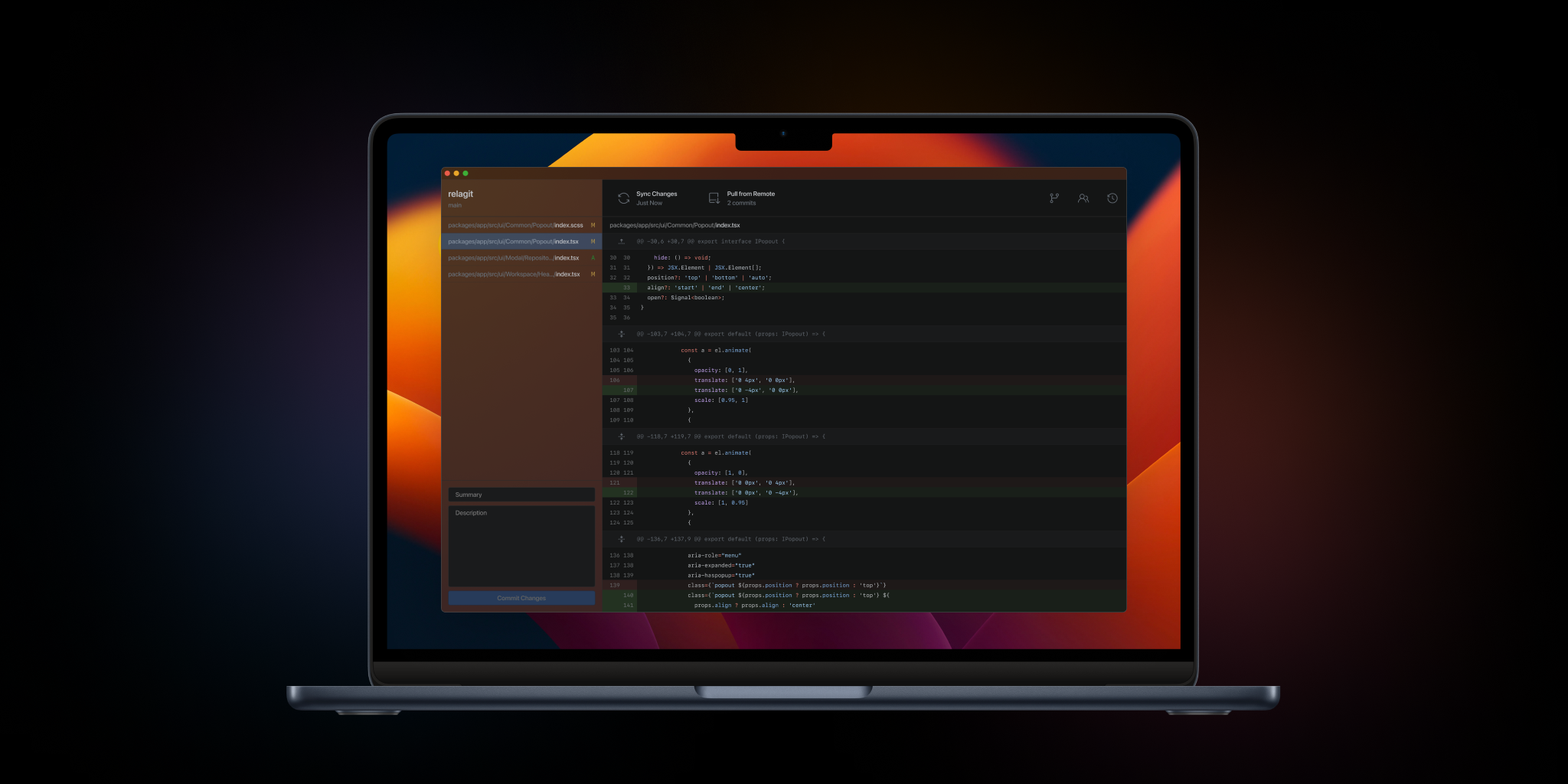
Version Control & Git
RelaGit
The elegant solution to graphical version control. Built by developers, for developers.
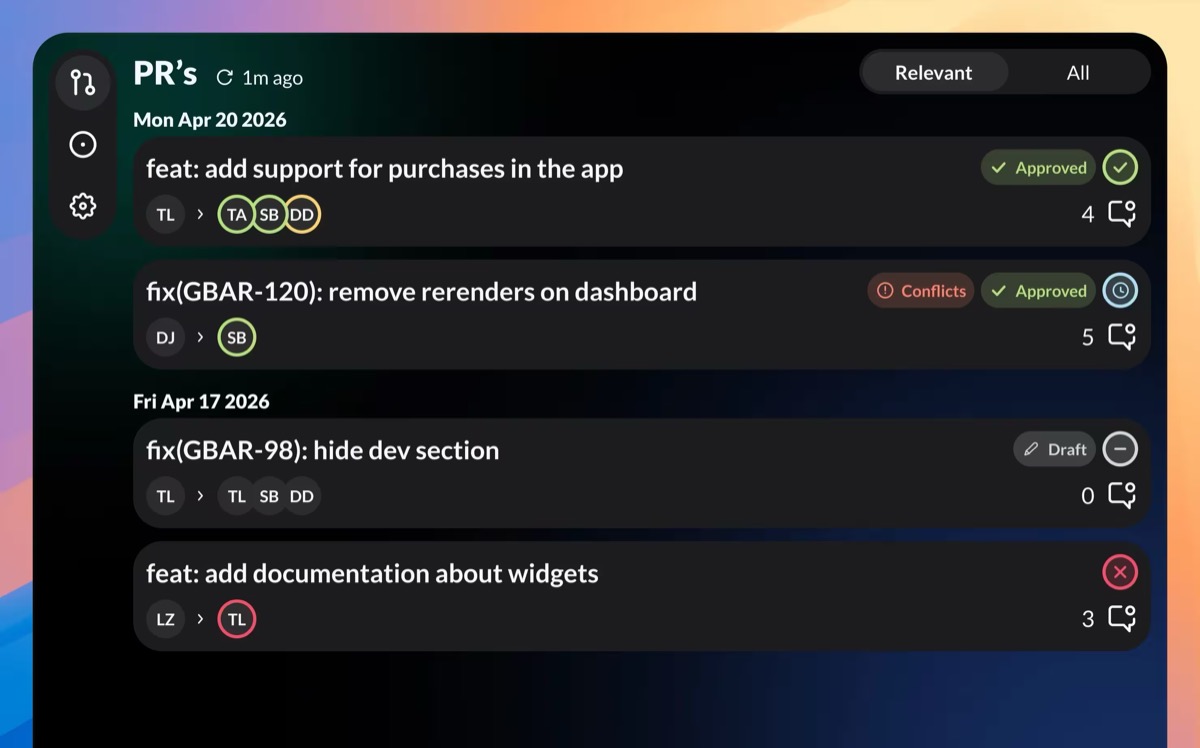
Version Control & Git
GitBar
Every pull request, one menubar. GitHub, GitLab & Azure
Version Control & Git
SourceGit
Git GUI client

Version Control & Git
Gitfox
Commit faster, improve your code quality with superior diffs - and look good doing it.