

Knock
Unlock with AppleWatch
Knock enables macOS users to unlock their computers using an iPhone or Apple Watch instead of typing a password. The app pairs the Mac with the iPhone via Bluetooth Low Energy, allowing a user to “knock” on the phone or tap the watch to authenticate. When the Apple Watch is worn, Touch ID verifies the fingerprint first, after which a single tap on the watch unlocks the Mac without requiring additional input.
The tool is aimed at individuals who want a quicker, two‑factor‑like login experience while keeping the Mac locked when unattended. It supports all Macs released from 2011 onward and iPhone models ranging from the 4S through the 6 series, and it includes a fallback password entry for cases where the phone is lost or stolen. Users can also disable the iPhone’s unlocking capability with a single click.
Knock communicates over Bluetooth Low Energy, which minimizes power consumption on both the Mac and the iPhone. The solution is positioned as a low‑power, secure alternative to traditional password entry, leveraging existing Apple hardware for authentication.
Reviews
Loading reviews…
Similar apps
Password & Security
Unlox
Unlock your computer with your fingerprint
Password & Security
BLEUnlock
Lock/unlock Apple computers using the proximity of a bluetooth low energy device
Password & Security
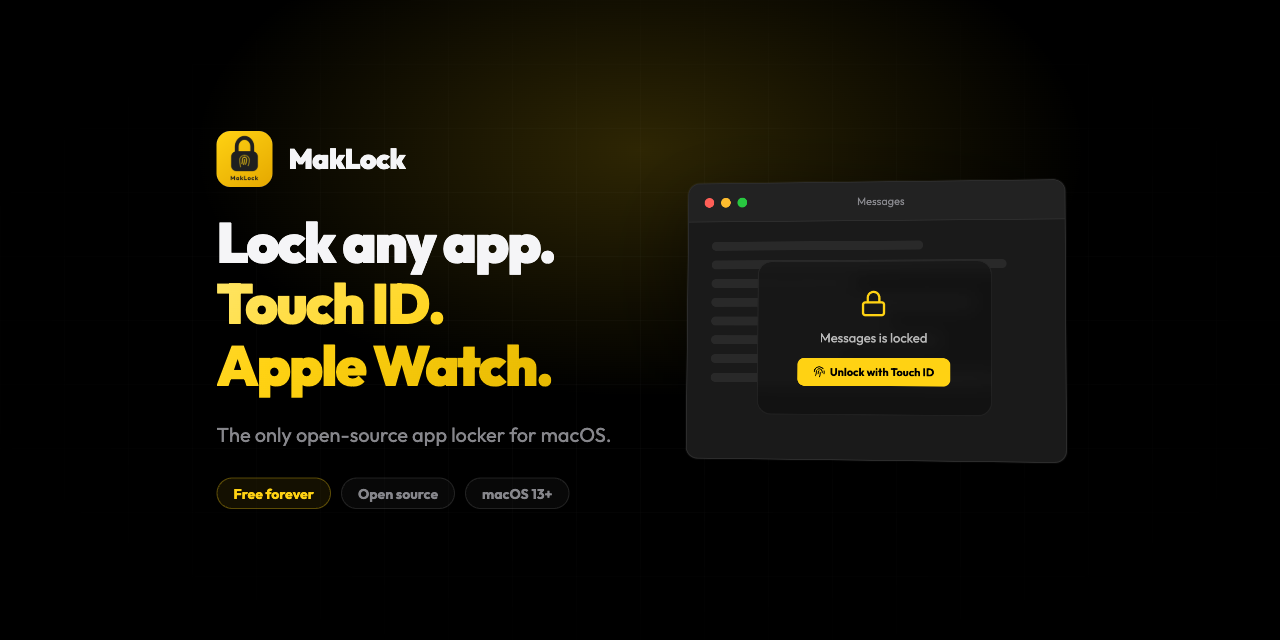
MakLock
Lock any macOS app with Touch ID, Apple Watch proximity, or password. Full-screen blur overlay on all monitors.
Password & Security
TouchBridge
Authenticate with your phone's fingerprint as a free Touch ID keyboard alternative.
Password & Security
MacPass
Open-source KeePass Mac OS client.
Password & Security
Lockpaw
Menu bar screen guard for macOS — lock and unlock your screen with a hotkey.